 FollowBell

How to view Instagram stories without appearing in the viewer list
Read the full guide
Updated 19 October 2026.
Type their username into the viewer above. You watch their stories without logging in to Instagram, so you don’t show up in their viewers, and they won’t know.
It works on public accounts. Stories from a private account and Close Friends stories stay out of reach, whatever tool you use.
How Instagram decides who viewed a story
When you open a story in the Instagram app, it loads the photo or video, then tells Instagram that your account saw it. That’s what puts your name in the viewer list.
On a public account, the story can load without that second step. Nobody is logged in, so nothing is marked as yours. That’s why a viewer never needs your Instagram password.
Watch Instagram stories without an account
You don’t need an Instagram account. Instagram’s website asks you to sign in before it plays a story; a viewer like this one loads it for you. No account of yours, so nothing of yours in the list.
Tricks that don’t really work
A second Instagram account
Your main account stays out, but the second one shows up in its place. If they guess who’s behind it, you’ve hidden nothing.
Airplane mode
The old trick: let the stories load, switch on airplane mode, watch, close the app. Nothing guarantees the app won’t send the view when it reconnects, and you have no way to check. It’s a gamble, not a method.
A site that asks for your password
It does the opposite of what you want: it would watch the stories with your account. And it puts that account at risk.
What story viewer websites do
You type a username, a server loads the current stories, and you watch them in your browser. On a public account it works, and many of these sites are free. Some don’t last: picuki.com stopped showing Instagram in January 2025, and instanavigation.com no longer loads (what happened to Picuki and to InstaNavigation).
What they don’t do: tell you when there’s something new. A story lasts 24 hours, and most people don’t post every day. You end up checking an empty page, and missing the story that went up while you weren’t looking.
An Instagram story viewer app for Android
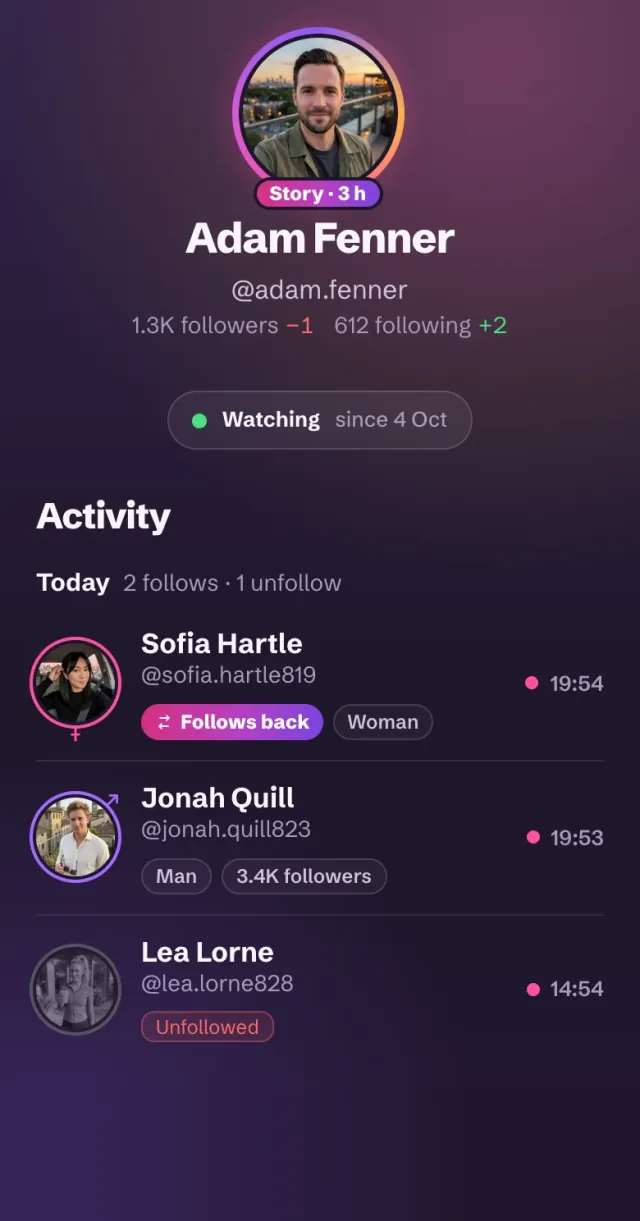
FollowBell tells you what changes on public Instagram accounts: with the app on Android, in your browser on iPhone or a computer. Stories are part of it.
- A ring when there’s a story. Their photo gets a ring while a story is up, like on Instagram.
- A notification when a new story goes up. For each account you add, on by default, and you can turn it off account by account.
- A full-screen player. Tap to skip, hold to pause, sound on videos, and how long ago each story went up.
- Never a login. The player says so under every story: viewed without appearing in the viewer list.
There’s no Open in Instagram button in the player, on purpose: opening it there, with your account, would put you in the viewer list.
When there’s no story, FollowBell says so and shows their highlights. How to view highlights.
What stays out of reach, for every tool
- Private accounts. Their stories are for the people they accepted. Any site claiming otherwise is making it up.
- Close Friends stories. Shown only to the people on that list, even on a public account.
- Expired stories. After 24 hours a story is gone from Instagram, unless it was saved to a highlight. FollowBell does not keep copies, and does not let you download or share a story.
- Who viewed someone's profile. Instagram publishes it to nobody. A tool that promises it is inventing the answer.